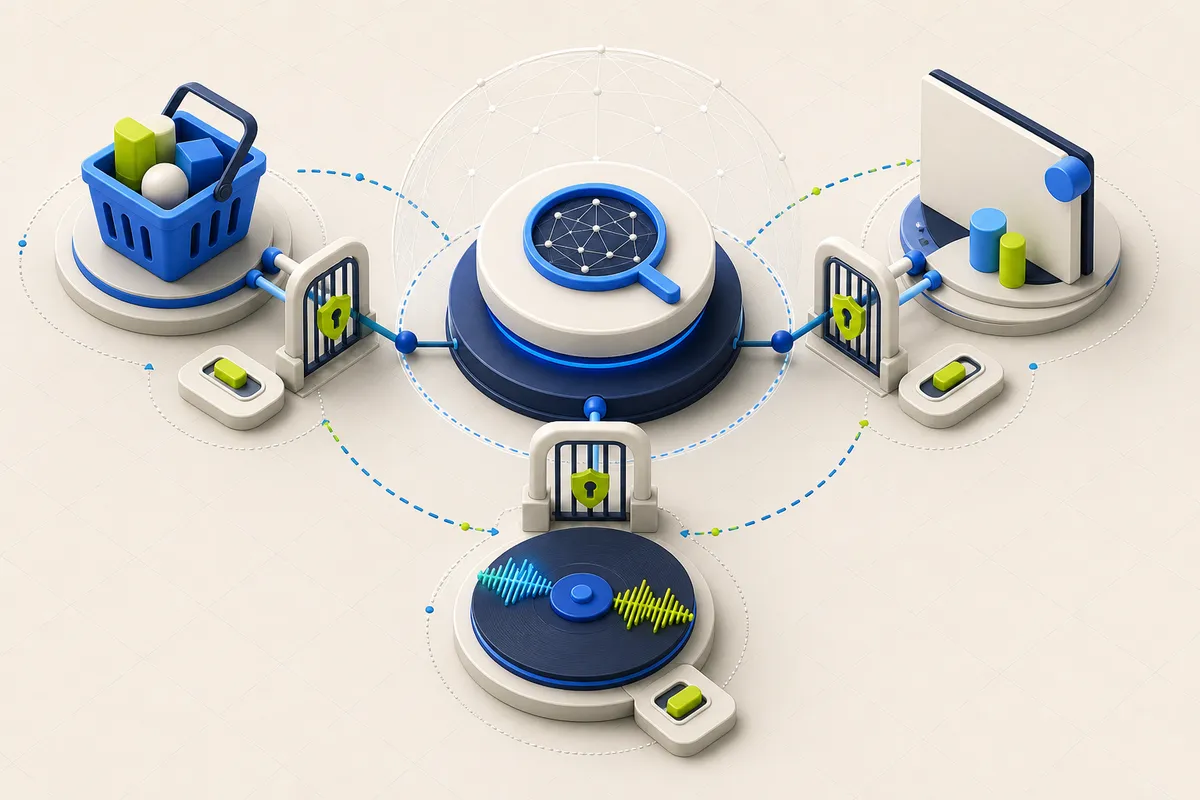
For work use, turn off default tab sharing unless it is needed, confirm administrator approval, and treat a shared Workspace page as access to more than the pixels currently visible.
Update — August 12, 2026: Google’s current help makes the sharing model more concrete. Gemini uses the current tab by default, can receive up to 10 open tabs, and exposes settings for default tab sharing, precise location, microphone access, and auto-browsing.
Google announced a rollout of Gemini in Chrome to desktop users in the United Kingdom. The assistant can summarize pages, compare information across tabs, use connected Google services, and retain conversation context. Availability remains gradual, so an announcement does not guarantee that every eligible account or browser profile has the feature.
Browser integration removes copy-and-paste friction, but it changes the unit of access. The relevant question is not merely what the user typed: it is which tab, account, browser profile, and optional permission Gemini can use for this task.
The default tab is already a sharing choice
Google says Gemini in Chrome uses the current tab’s content by default. A user can add up to 10 recent open tabs from browser windows and remove them again; a shared tab is visibly marked. Starting a new chat also shares the current tab by default unless that preference is turned off in Chrome settings.
This makes tab selection an access control worth checking before each multi-page task. It is safer to add only the specific source tabs needed for a comparison than to begin in a browser profile full of customer, administrative, or production pages.
A Workspace page can widen the account boundary
Google’s help says that when a user shares a Workspace webpage, Gemini may directly access the Workspace account to answer about that page. That can let it refer to an entire Google Doc rather than only the material visible in the tab. Connecting the Workspace app can extend access to additional personal Workspace content.
That distinction is important for work. A tab that looks like a limited excerpt may represent a broader document or account context. Employees who mix personal, customer, administrative, and production sessions in one browser profile should not treat the assistant as a universal layer without a clear scope and an approved account.
Permissions and rollout controls are separate checks
Gemini in Chrome is unavailable in Incognito mode and requires a signed-in Chrome profile. For a work or school Google Account, Google says an administrator must enable access. Chrome settings can separately control precise location, microphone access, sharing the current tab by default, and whether Gemini may browse for the user.
Google’s UK launch post says the product has safeguards for known threats such as prompt injection and asks for confirmation before sensitive actions. Those are useful product controls, but they do not decide what a company authorizes. Define allowed accounts, tabs, actions, and data types before enabling the feature for a group.
A workplace pilot that can be stopped
Test with non-sensitive accounts first and document the expected sharing indicator, tab-removal path, permissions, and administrator setting. Use a realistic but non-confidential multi-tab task, then test what happens when a tab, Workspace page, or browser profile is not in scope. Keep a manual workflow for every action the assistant cannot safely verify.
- Separate work and personal browser profiles.
- Turn off Share current tab by default unless the workflow needs it.
- Add only the tabs required for a cross-tab task and remove them afterward.
- Do not share a Workspace page without considering its wider account access.
- Review recipients, dates, and content before Gmail or Calendar actions.
- Treat page text as untrusted input, especially when the assistant can act elsewhere.
- Have administrators test the exact account edition and rollout state before broad enablement.
This article explains the practical implications of the primary material below. PatchMemo does not publish vendor copy as editorial coverage and does not accept payment for positive coverage.
PatchMemo independently selects and evaluates the topics it covers. Analysis and recommendations are ours; sources are linked so readers can check the underlying claims. We clearly label sponsorships and affiliate relationships, and neither determines coverage or conclusions.