Name the destination app and account for each task, treat its output as a draft, and remove the link from Google Account settings when that workflow ends.
Update — August 12, 2026: Google’s current help clarifies the available apps, the account-link removal path, and a consequential default: Search may reuse the last app used for a task unless the user chooses another one.
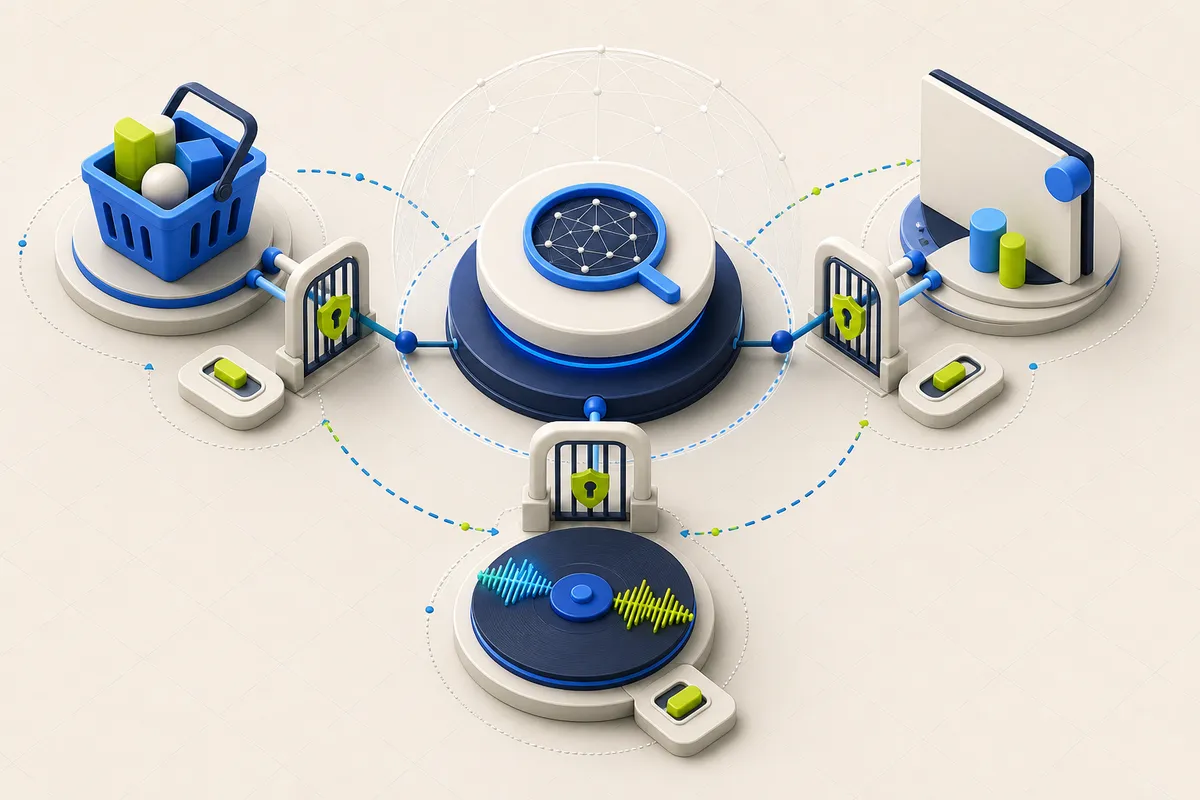
Google Search can connect AI Mode with third-party services, allowing a natural-language request to prepare something inside another app instead of ending with a list of links. Google currently lists Instacart for grocery carts, Canva for designs, and YouTube Music for playlists.
This is a change in the unit of work: Search can move from helping select an option to preparing a result in an account. The convenience is real, but the user needs to control both the destination service and the account that receives the action.
What the first integrations actually do
Google’s examples include turning recipe ingredients into an Instacart cart, creating a Canva design draft, and making a YouTube Music playlist. The user is directed to the connected service to finish the consequential step—checkout, editing, downloading, listening, or another action controlled by that service.
The feature is documented for AI Mode in the United States and in English. It requires a signed-in Google Account; many apps also require an account with that service linked to Google. Availability varies by location, language, device, and app, so a launch announcement is not a substitute for checking the account that will actually use it.
A connection is an account permission, not a chat preference
If an app is not connected, AI Mode offers a linking step. Existing links are visible in Google Account’s Connected Apps settings. Selecting Delete all for a connection removes all links to that app and stops Google from accessing that app account; features that need the link also stop working on devices where the same Google Account is signed in.
Before approving a link, check the selected Google and third-party accounts, the requested access, and whether the service is acceptable for the data at hand. Prefer a personal account for personal tasks and an approved work account for business tasks. A connected app should not become an informal route around company access rules.
Reduce accidental routing
Google says it can default to the last app used for a task. In a workflow where two services could plausibly complete the request, name the intended app in the prompt and confirm the destination before continuing. This is especially useful when personal and work services offer similar capabilities.
Treat the generated cart, design, or playlist as a draft. AI responses can be mistaken, and the destination app remains the place to verify items, quantities, prices, sharing settings, and the final action. A fluent result does not prove that the intended account or output was selected.
Decide whether continuity is worth the data path
Google says history and personalized recommendations let AI Mode pick up where a user left off; without them, AI Mode remains available but cannot continue prior searches in the same way. That is a workflow trade-off, not an automatic requirement. Turn continuity on only when the benefit is clear for the tasks in scope.
Google also says interactions with Search and its AI experiences may be used to improve related machine-learning systems, and that reviewer data is disconnected from accounts with automated attempts to remove identifying and sensitive information. Those statements describe safeguards, not permission to put secrets, regulated records, or confidential client material into a consumer workflow. Keep those tasks in tools and accounts explicitly approved for that data.
- Confirm the exact Google and third-party accounts before linking.
- Name the destination app when more than one service could fulfill the request.
- Read the requested access instead of accepting the linking dialog automatically.
- Keep sensitive work inside tools and accounts approved for that data.
- Review the result in the destination app before checkout, sharing, or publication.
- Audit Google Account connections periodically and delete unused links.
This article explains the practical implications of the primary material below. PatchMemo does not publish vendor copy as editorial coverage and does not accept payment for positive coverage.
PatchMemo independently selects and evaluates the topics it covers. Analysis and recommendations are ours; sources are linked so readers can check the underlying claims. We clearly label sponsorships and affiliate relationships, and neither determines coverage or conclusions.