Pilot the new sign-in flow with spare keys and recovery procedures before enforcing it broadly; stronger authentication fails operationally when recovery is improvised.
Update — August 12, 2026: This guide now separates the July feature announcement from older GCPW documentation, and adds first-sign-in, profile, network, and recovery checks for a controlled rollout.
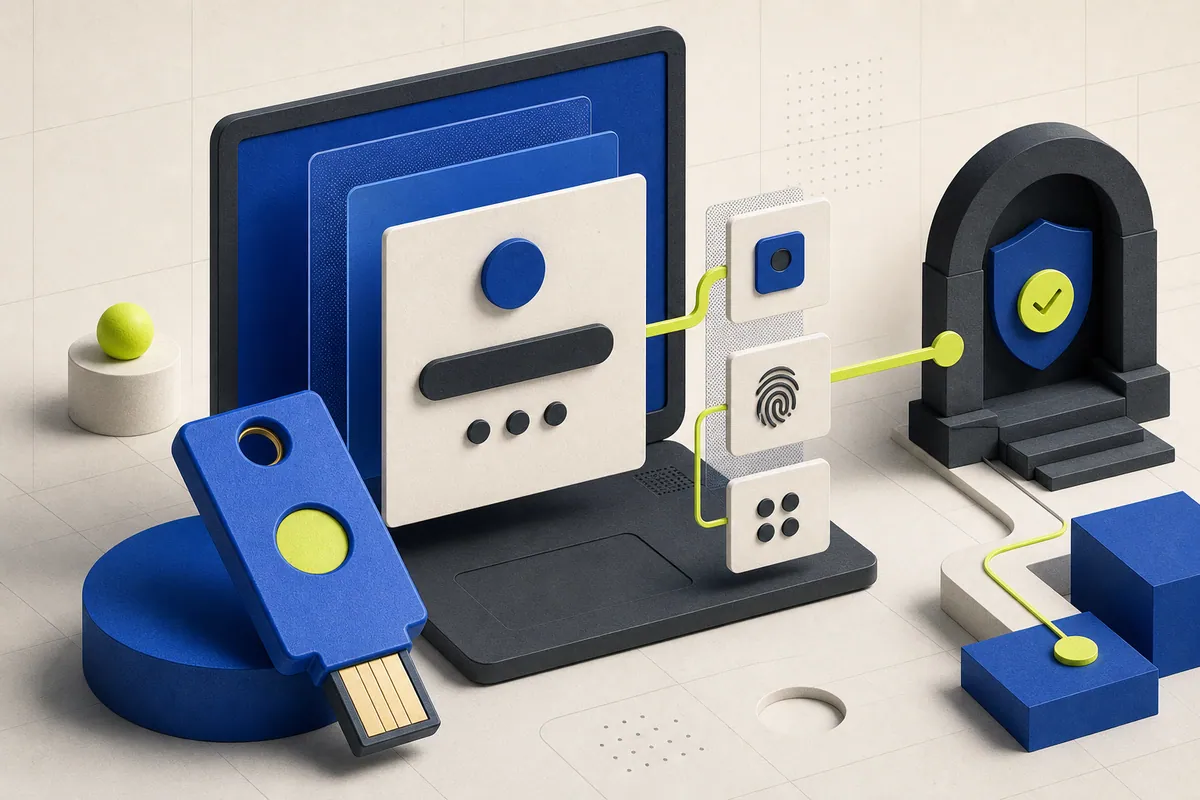
Google Credential Provider for Windows now supports FIDO2-compliant physical security keys as a second authentication factor. It can also use a passkey from a nearby Bluetooth-connected phone during Windows sign-in.
For organizations that use Google Workspace identities on Windows devices, this moves phishing-resistant credentials closer to the first login users perform each day. The security improvement is meaningful, but deployment quality depends on enrollment and recovery.
What administrators control
Google says administrators can enforce two-step verification with hardware security keys at the Windows login screen. There is no end-user setting for the feature, and it is available to all Google Workspace customers through a gradual rollout that began July 13.
The announcement does not remove the need to prepare GCPW itself, validate device compatibility, or align the login policy with the organization’s Workspace authentication rules.
Plan for the lost-key day
A strong factor can create a support emergency when a key is lost, a phone is replaced, Bluetooth is unavailable, or an employee is offline. Define an identity-verification process, issue spare keys where risk warrants it, and make recovery codes or approved alternatives available under controlled access.
Test recovery with the help desk rather than documenting an unverified path. The first real failure should not be the first time anyone tries the procedure.
A controlled rollout
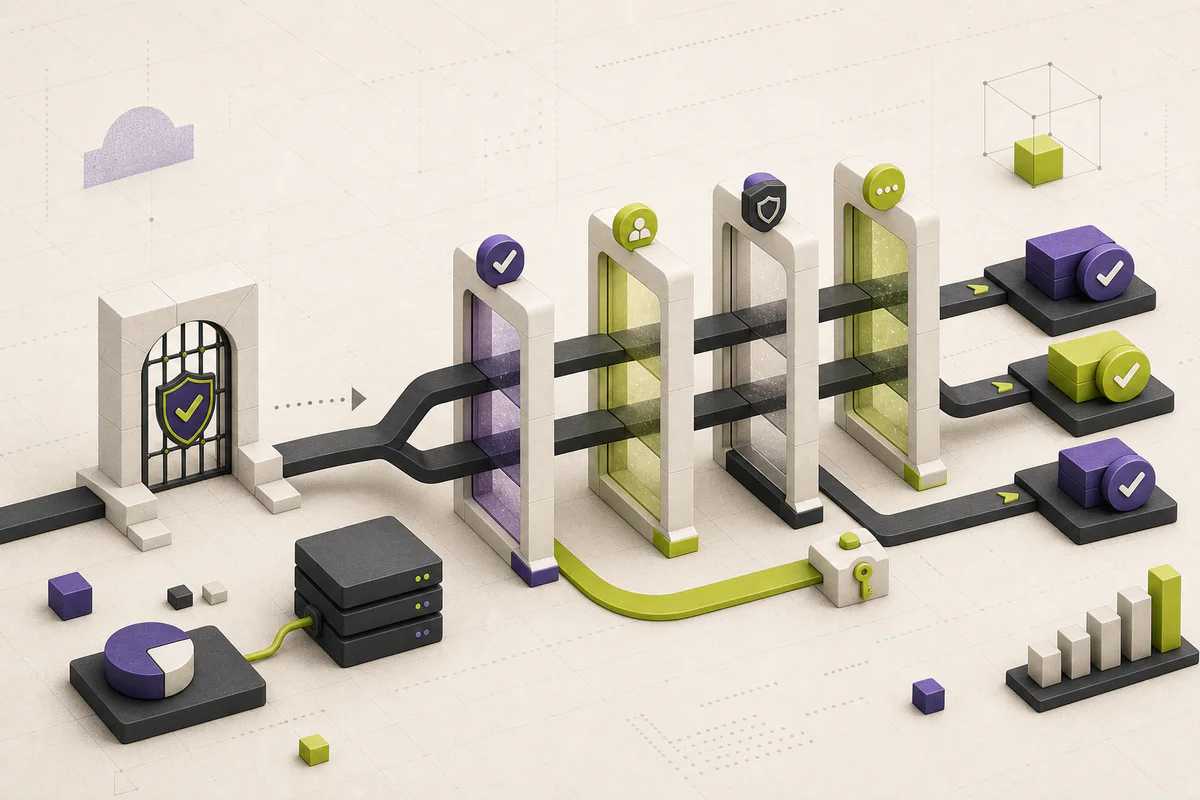
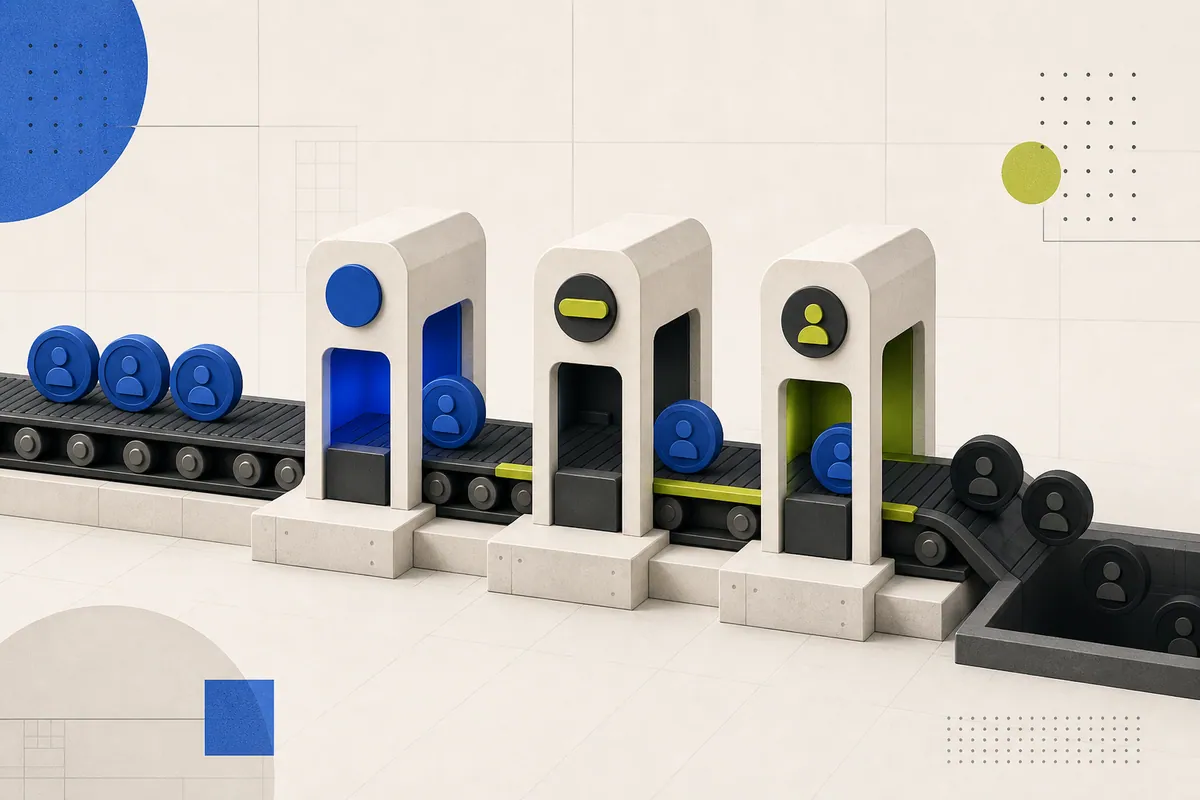
Start with IT and a small cross-section of laptop models. Verify normal sign-in, offline behavior, phone passkeys, lost-key recovery, and account suspension. Then expand by group while monitoring failed sign-ins and support tickets. Authentication becomes stronger only if legitimate users can recover without bypassing the control.
Verify the exact GCPW path before enforcing keys
Google’s July update says GCPW can enforce FIDO2-compliant physical keys as a second factor, while older GCPW preparation guidance says USB security keys are not supported. That mismatch may reflect product evolution, but it is not a detail to resolve in production. Confirm the GCPW version, Windows build, browser prerequisites, key firmware, and organization policy with the current product documentation and a real pilot before treating a particular key as supported.
The first GCPW sign-in needs an internet connection, and the user experience also differs depending on whether the Google account is associated with an existing Windows profile. For Active Directory-joined devices without a matching profile, the first sign-in also requires Active Directory connectivity. Include those conditions in the pilot script so a successful test does not conceal a profile-migration failure.
Design recovery as a controlled exception
A recovery flow should prove identity before it restores access, preserve a record of who approved it, and expire any temporary alternative factor. Decide in advance who can issue a replacement key, whether an employee can use another approved second factor, and how a lost key is revoked. A spare key without an ownership record is only another unmanaged credential.
Test security events as well as routine login. Google documents that an expired session, suspected account activity, or a changed Google password can require the Google sign-in dialog again. Make sure the help desk can distinguish a normal extra verification from a device or identity incident.
- Test first sign-in, existing-profile association, offline sign-in, and post-security-event sign-in separately.
- Issue and record a backup factor before enforcing the primary key.
- Verify the user-facing recovery route with the help desk and a test account.
- Document how lost keys, departed users, and compromised devices are disabled.
- Do not broaden enforcement until the pilot has evidence from the Windows models and networks in scope.
This article explains the practical implications of the primary material below. PatchMemo does not publish vendor copy as editorial coverage and does not accept payment for positive coverage.
PatchMemo independently selects and evaluates the topics it covers. Analysis and recommendations are ours; sources are linked so readers can check the underlying claims. We clearly label sponsorships and affiliate relationships, and neither determines coverage or conclusions.