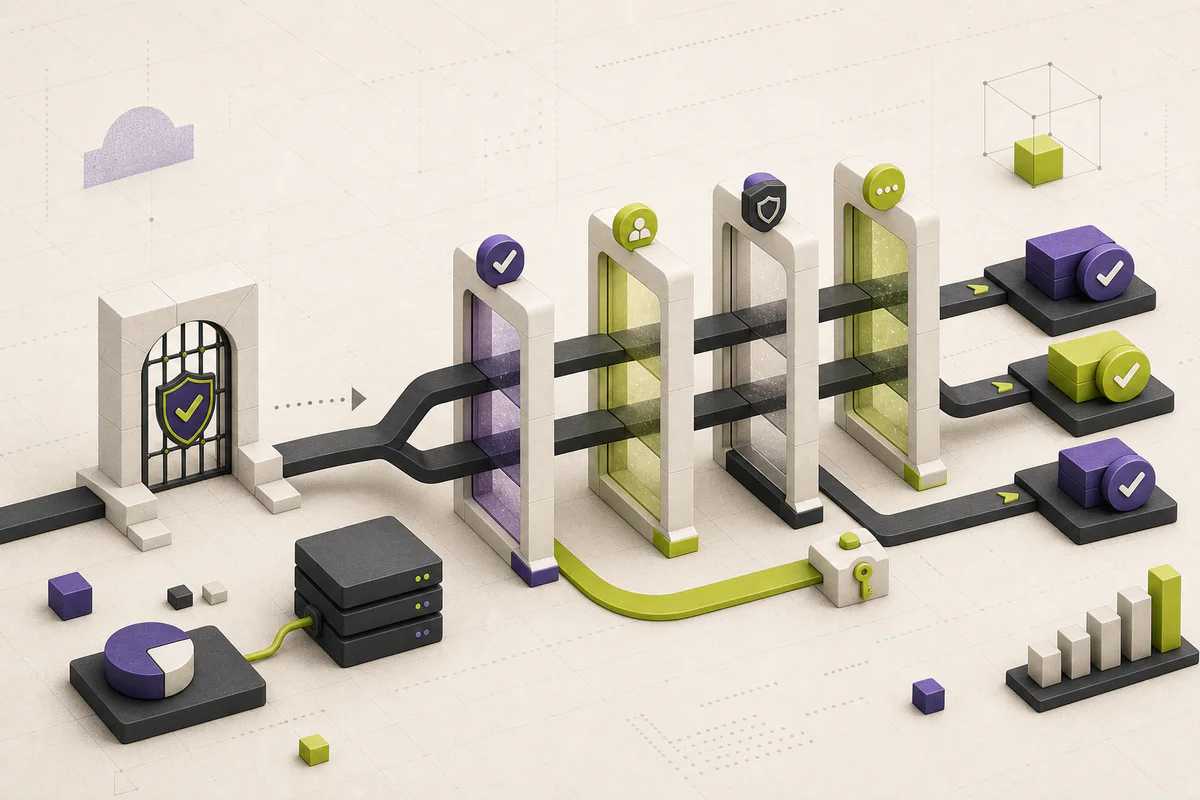
Scan for workflow, pricing, permission, and migration changes first. Everything else can wait.
Update — August 13, 2026: The workflow now separates announcement, applicability, effective date, verification, and closure, with a reusable record for changes that actually affect the team.
Release notes are supposed to explain what changed. In practice, they often mix critical updates with minor fixes, promotional language, and details that matter only to administrators.
The fastest way to make them useful is to stop reading from top to bottom. Treat each update as a risk-and-opportunity scan for your own workflow.
Start with the four changes that cost time
Before reading feature descriptions, look for changes that can interrupt work or require a decision. Search the page for words such as required, default, deprecated, admin, migration, billing, permission, and rollout.
Do not assume the publication date is the effective date. Google Workspace, for example, separates Rapid Release and Scheduled Release domains and may use gradual rollouts lasting up to 15 days. Microsoft Message center distinguishes a change that is scheduled, rolling out, or launched for a specific organization.
- Pricing and plan limits
- Permissions, security, and data retention
- Removed features or migration deadlines
- Changes to integrations and automation rules
Translate features into workflows
A feature is not automatically useful because it is new. Ask which repeated task it removes, who needs access, and whether it introduces another tool to maintain.
If you cannot identify a specific workflow that improves, save the update and revisit it only when a real need appears. For a change that does matter, write one sentence in operational language: “Starting on this date, these users will see this new default, and this owner will test it.”
Extract the applicability boundary before assigning work
A release note can be accurate and still irrelevant to your account. Capture the product edition, license, region, language, device, administrator setting, release channel, and user population named by the vendor. If the announcement omits one of those boundaries, mark it unknown instead of assuming universal availability.
Separate the announcement date from the first rollout date, the expected completion window, and the date the feature appears in your own tenant. Google documents different release tracks and rollout paces; Microsoft can show scheduled, rolling-out, and launched states for supported changes. Your internal due date should follow the action required, not simply the date a blog post appeared.
- Affected service, edition, region, language, device, and release channel.
- Current default and new default, including whether an admin can override it.
- First rollout date, expected completion, action deadline, and retirement date.
- Named users, integrations, data paths, and support instructions that may change.
Use a three-level decision
Classify every relevant item as act, test, or note. Act means a deadline, security exposure, retirement, or required migration. Test means the effect depends on your configuration or users. Note means awareness is enough. This keeps an attractive new feature from competing with a quiet breaking change.
- Act: assign an owner and due date now.
- Test: reproduce the affected workflow in a safe account.
- Note: record the change without creating a meeting or project.
Keep a lightweight change log
For important tools, record the source link, announcement date, effective window, affected plan, default state, workflow, and person responsible for testing. A shared document is enough for most small teams.
Microsoft’s Message center already exposes useful prioritization fields such as admin impact, data privacy, retirement, act-by date, organizational relevance, and active-user counts. Even when another vendor offers less structure, those fields form a good reading template.
The result is an operating history rather than a folder of announcements. It also gives renewal discussions evidence: which promised features reached your account, which required work, and which the team actually adopted.
Close the item with evidence
Do not close a change because somebody read the announcement or enabled a setting. Close it when the affected account shows the expected state, the representative workflow succeeds, monitoring remains normal, and user guidance or support procedures are updated. Attach a screenshot, configuration export, test result, or ticket link that another person can inspect.
If the feature never reaches the account, the vendor changes the schedule, or the test contradicts the announcement, keep the item open with a new review date. Release management is partly the discipline of preserving uncertainty until the environment supplies an answer.
- Source and last vendor update date.
- Applicability decision and evidence.
- Owner, due date, and chosen response: act, test, or note.
- Test case, expected result, actual result, and rollback condition.
- Closure evidence and next review date.
This article explains the practical implications of the primary material below. PatchMemo does not publish vendor copy as editorial coverage and does not accept payment for positive coverage.
PatchMemo independently selects and evaluates the topics it covers. Analysis and recommendations are ours; sources are linked so readers can check the underlying claims. We clearly label sponsorships and affiliate relationships, and neither determines coverage or conclusions.